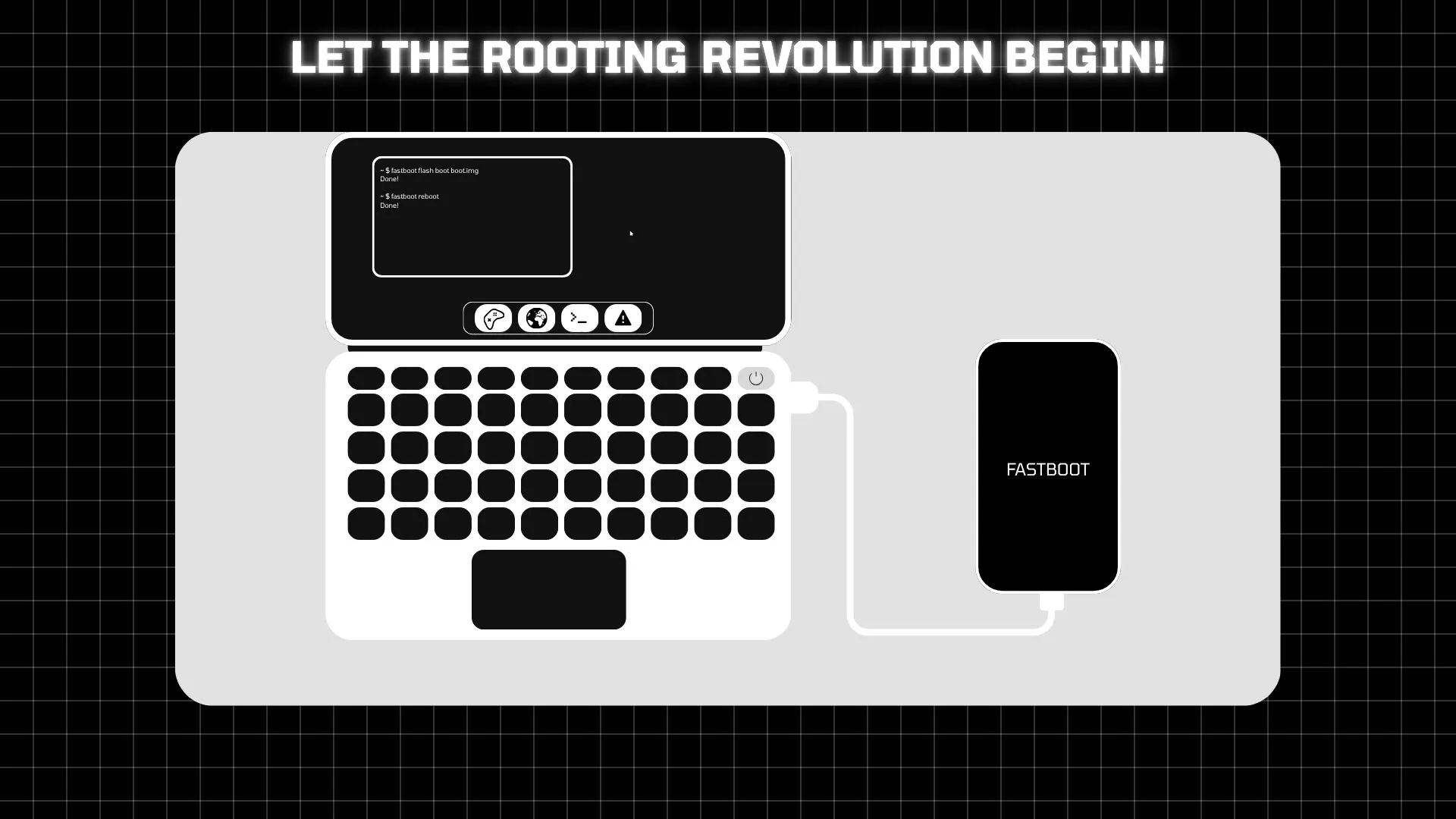
Documentation overview
Rooting, safely and systemlessly
This guide explains the basics of Android rooting, the risks involved, and the most common ways to unlock a bootloader, flash a root solution, and hide root from sensitive apps.
NOTE : This Guide is NOT Affiliated with any of the developers of the tools mentioned. It is a community-written guide to help users understand the rooting process and its implications.
1. Rooting: An Introduction
Please be careful what apps you give root permissions to. Root access can expose your device to data theft, financial loss, and unexpected instability.
What is Rooting?
Rooting an Android device means gaining full administrative control over the system, similar to an administrator account on a computer.
Pros of Rooting
- Bloatware removal and system-level customization
- System-wide adblocking and deep theming
- Full backups and advanced performance tweaks
Cons of Rooting
- Warranty loss and reduced official support
- Higher security risk and data loss exposure
- Risk of soft-bricking or hard-bricking the device
What is a Bootloader?
The bootloader is the first software that starts the device and decides which operating system image to load. It is usually locked to protect the phone from unauthorized changes.
What is Bricking?
Bricking means a device becomes non-functional due to failed software tampering or a broken firmware flash.
2. Unlocking the Bootloader
This process usually wipes user data. Back up important files before continuing.
Fastboot Method
Step 1 : Reboot the phone into bootloader mode.
adb reboot bootloaderStep 2 : Unlock the bootloader.
fastboot flashing unlockStep 2.1 : If your device uses an older command set, try the fallback method.
fastboot oem unlockMTKClient for MTK Devices
Use this only if your device is compatible and you understand the risks. It can bypass some locked MediaTek protections but may also trigger dm-verity corruption.
Step 1 : Dump vbmeta
python mtk.py r vbmeta_a,vbmeta_b vbmeta_a.img,vbmeta_b.img

python mtk.py r vbmeta vbmeta.img
Step 2 : Unlock the bootloader
python mtk.py da seccfg unlockStep 3 : Disable dm-verity
python mtk.py da vbmeta 3Step 4 : Erase userdata
python mtk.py e metadata,userdataStep 5 : Reboot device
python mtk.py reset3. Rooting Methods
Magisk
Patch the stock boot.img or init_boot.img with Magisk and flash it. This remains the most widely supported option for many devices.
Flash to Active Slot:
fastboot flash boot_a patched.img

fastboot flash init_boot_a patched.img
Flash to Inactive Slot (If Needed):
fastboot flash boot_b patched.img

fastboot flash init_boot_b patched.img
For Older Devices:
fastboot flash boot patched.imgKernelSU
KernelSU works well on supported devices with a compatible kernel. It is often preferred when strong stealth and systemless operation are needed.
Flash to Active Slot:
fastboot flash boot_a patched.img

fastboot flash init_boot_a patched.img
Flash to Inactive Slot (If Needed):
fastboot flash boot_b patched.img

fastboot flash init_boot_b patched.img
For Older Devices:
fastboot flash boot patched.imgAPatch
APatch is another kernel-based option. Check compatibility carefully because not every device is supported.
Flash to Active Slot:
fastboot flash boot_a patched.imgFlash to Inactive Slot (If Needed):
fastboot flash boot_b patched.imgFor Older Devices:
fastboot flash boot patched.img4. Root Hiding Modules
Root hiding tools can help reduce detection by banking apps and some games, but they should be used carefully and only after the device is already rooted.
1. Tricky Store (Closed Source, recommended)
This module spoofs hardware-backed attestation by injecting a valid KeyBox.xml. When combined with the Tricky Addon and its WebUI, the process is easier.
Step 1 : Obtain the module zip files for Tricky Store and Tricky Addon and flash them via your recovery.
Step 2 : Reboot and open the Tricky Store app. Tap the Action button to launch the WebUI.
Step 3 : In the WebUI, select the target apps and tap Set Valid Keybox.
Links:
2. Shamiko (Closed Source)
Shamiko hides root traces and can help fake a locked bootloader status for apps that check for root or Zygisk. Use only trusted builds.
Step : Install the Shamiko module via your Magisk or module manager and configure it per the module's README.
Link: Shamiko (releases)
3. Play Integrity Fix (for custom ROM users)
These modules assign a valid fingerprint or otherwise patch integrity checks systemlessly. Flash one compatible module and use its action UI to apply fixes.
Step : Flash a Play Integrity module and follow its instructions in the module UI.
Links:
Open-source alternatives
If you prefer fully open-source solutions, consider these community projects — they may require additional setup and are not always feature-parity with closed-source variants.
Credits :
- Magisk by @topjohnwu : For Rooting pretty much anything these days.
- KernelSU by @tiann : For Kernel-Level Rooting on GKI Devices.
- APatch by @bmax121 : For Easy Kernel-Level Rooting.
- mtkclient by @bkerler : For allowing MTK Devices to be Rooted Easily ( Including my Phone ).
- Shamiko by @LSPosed : For hiding root traces and faking bootloader status.
- Tricky Store by @5ec1cff : For spoofing Hardware Backed Attestation.
- Tricky Addon by @KOWX712 : For making the Tricky Store process accessible via WebUI.
- Zygisk Next by @Dr-TSNG : For providing a standalone Zygisk implementation.
- ReZygisk by @PerformanC : For an alternative Zygisk implementation.
- Zygisk Assistant by @snake-4 : For helping hide Zygisk from detection.
- Play Integrity Fix by @KOWX712 : For maintaining Google Play Integrity standards.
- Play Integrity Fork by @osm0sis : For the widely used community fork of the integrity fix.
- TEESimulator by @JingMatrix : An open-source alternative for TEE spoofing.
- NoHello by @MhmRdd : An open-source alternative for hiding root.
- Tricky Store OSS by @beakthoven : For providing an open-source version of Tricky Store.
- KernelSU Next by @KernelSU-Next : For the continued development and community fork of KSU.
- SkiSU Ultra by @SkiSU-Ultra : For providing specialized kernel-level rooting features.
- TWRP & OrangeFox : For the custom recoveries that make flashing these modules possible.